中间件Tomcat监控
模板ID: 10625 | 模板标识: LW_Template Tomcat JMX General
帮助说明
1、配置文件增加JMX参数
Linux
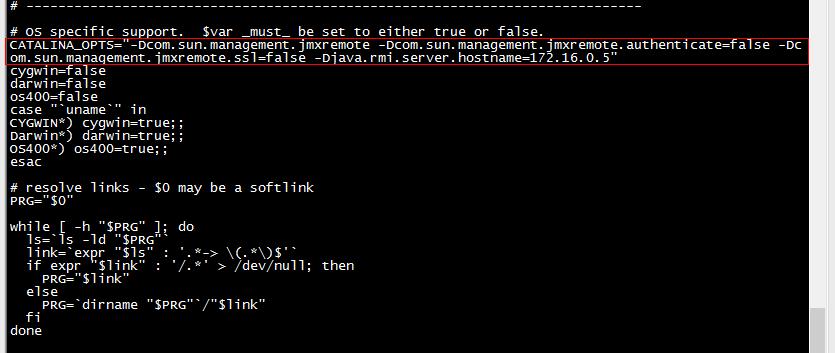
修改中间件tomcat安装目录下的catalina.sh文件,添加以下内容:
CATALINA_OPTS="${CATALINA_OPTS} -Djava.rmi.server=Tomact主机的IP -Djavax.management.builder.initial= -Dcom.sun.management.jmxremote=true -Dcom.sun.management.jmxremote.port=12345 -Dcom.sun.management.jmxremote.rmi.port=12345 -Dcom.sun.management.jmxremote.ssl=false -Dcom.sun.management.jmxremote.authenticate=false"
注:Djava.rmi.server =TOMCAT服务器IP地址,该IP必须能与乐维服务器能通信,某些情况下IP经过映射转换,那么需要使用转换后的地址。
Windows
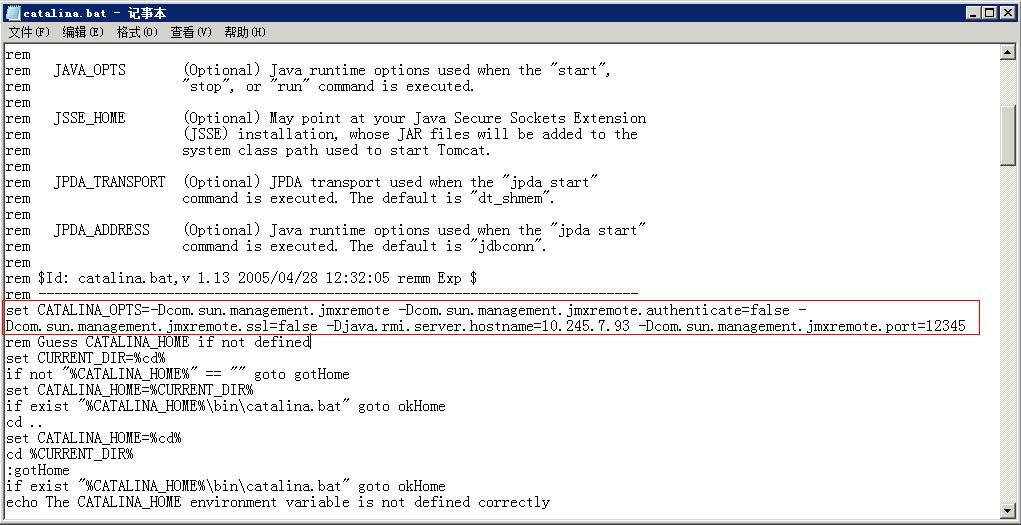
在安装目录找到catalina.bat,打开在以下位置加上JMX参数
rem jmx配置参数
set CATALINA_OPTS=-Dcom.sun.management.jmxremote -Dcom.sun.management.jmxremote.authenticate=false -Dcom.sun.management.jmxremote.ssl=false -Djava.rmi.server.hostname=windows主机的IP -Dcom.sun.management.jmxremote.port=12345 -Dcom.sun.management.jmxremote.rmi.port=12345
2、重启tomcat服务
service tomcat restart
3、查看端口是否监听
netstat –nlp | grep 12345
4、开放防火墙端口
firewall-cmd --zone=public --add-port=12345/tcp --permanent
或者关闭防火墙
systemctl stop firewalld.service
systemctl disable firewalld.service
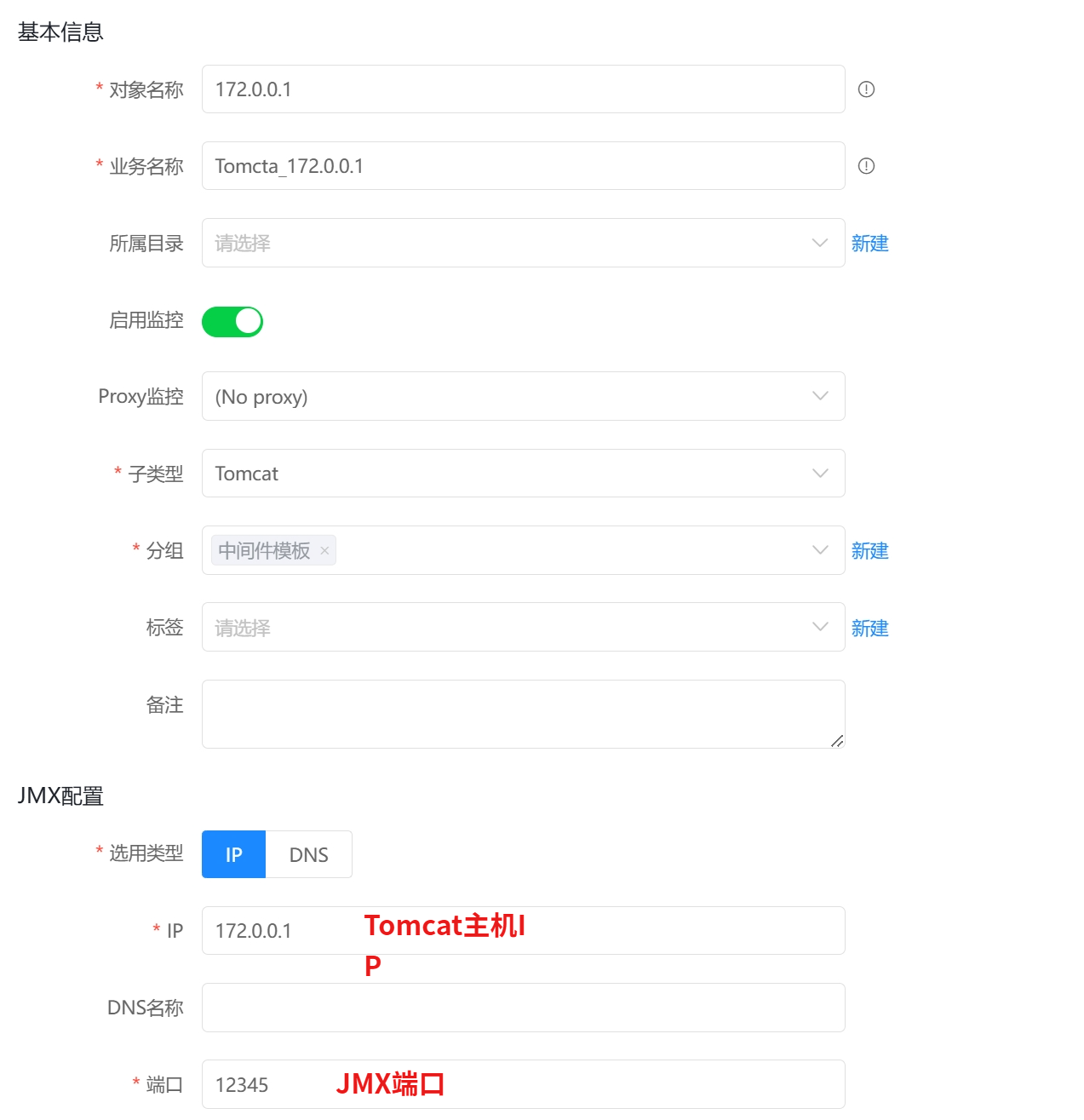
监控填写示例: